Text Tools
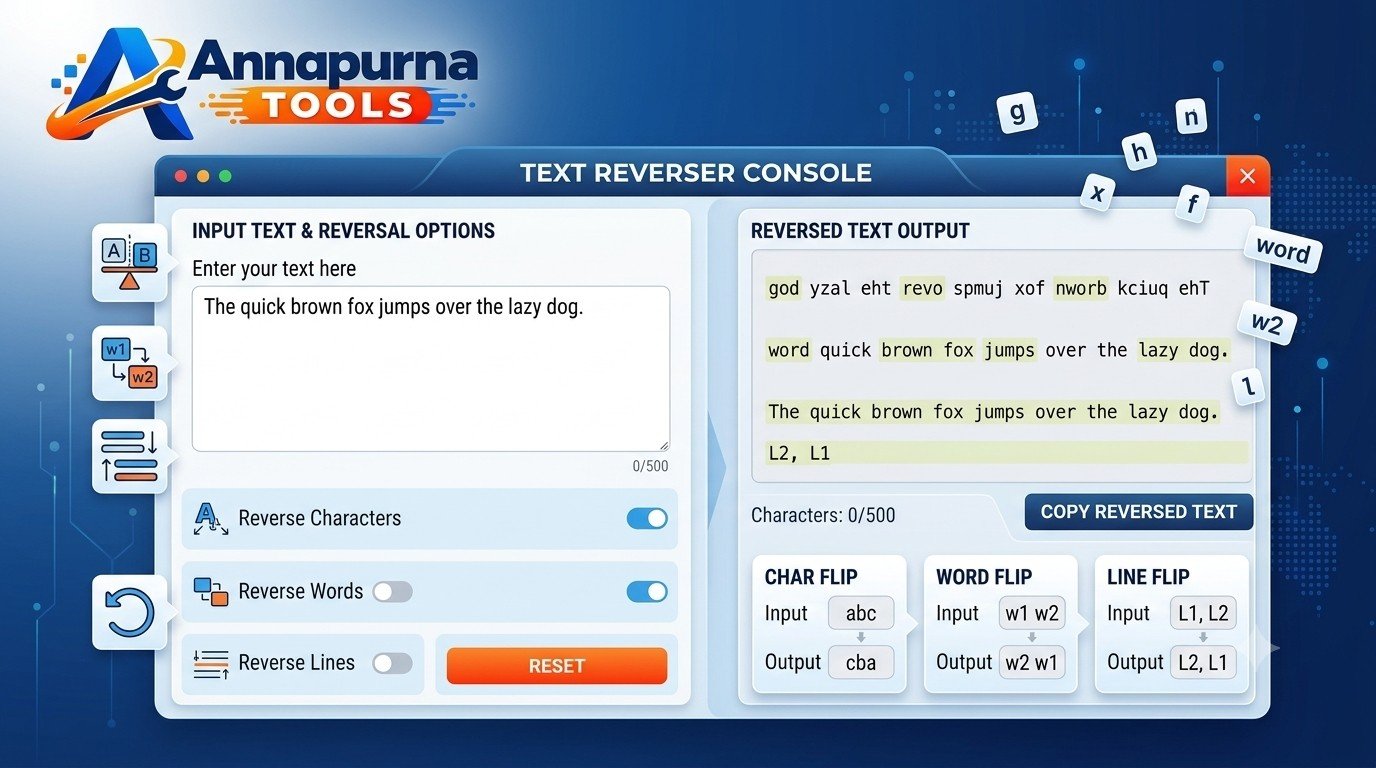
Text Reverser Online - Reverse Text, Words & Lines
Free online Text Reverser to reverse characters, words and lines. Enter text and reverse it instantly in your browser.
Use Tool →
Useful tools for writing, counting and transforming text.
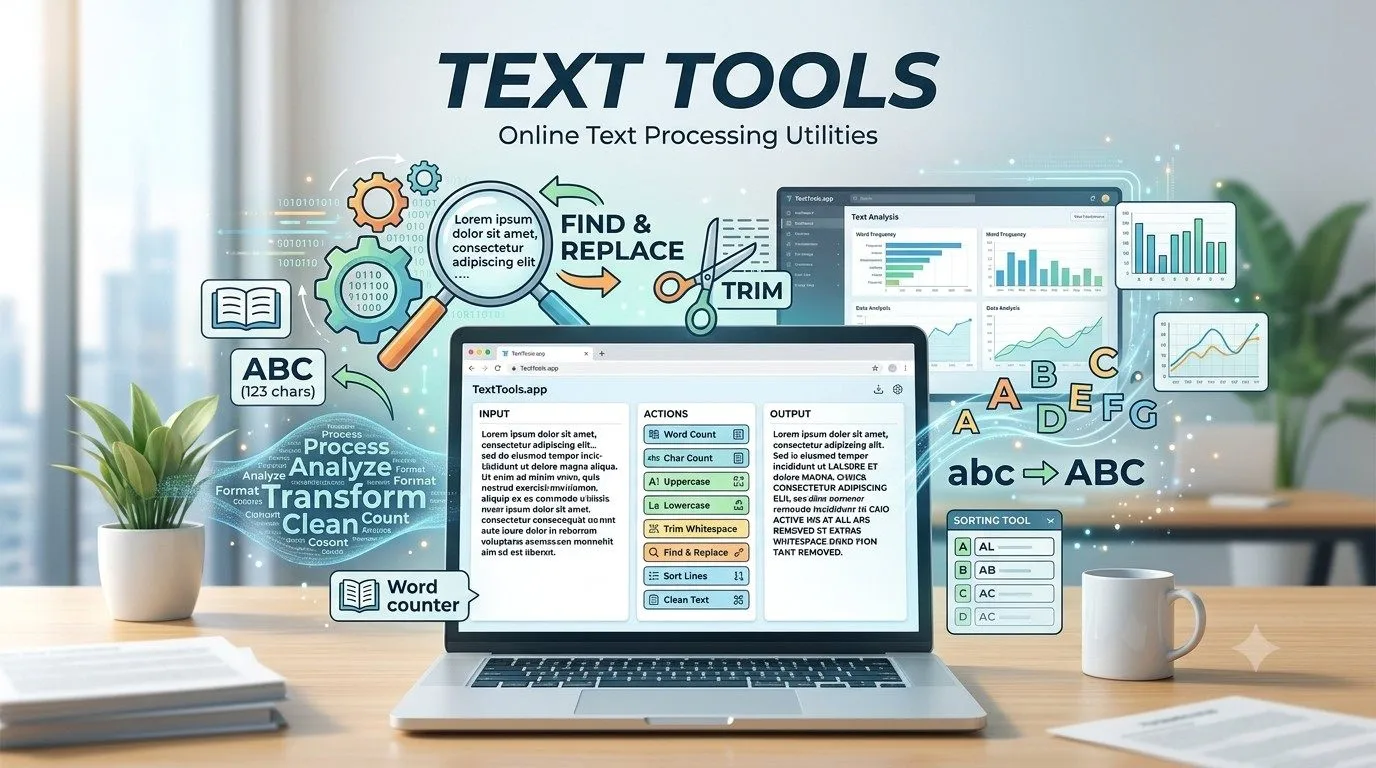
Text Tools help users complete common text processing tasks directly in their browser.
Browse the published tools available in this category.
Free online Text Reverser to reverse characters, words and lines. Enter text and reverse it instantly in your browser.
Use Tool →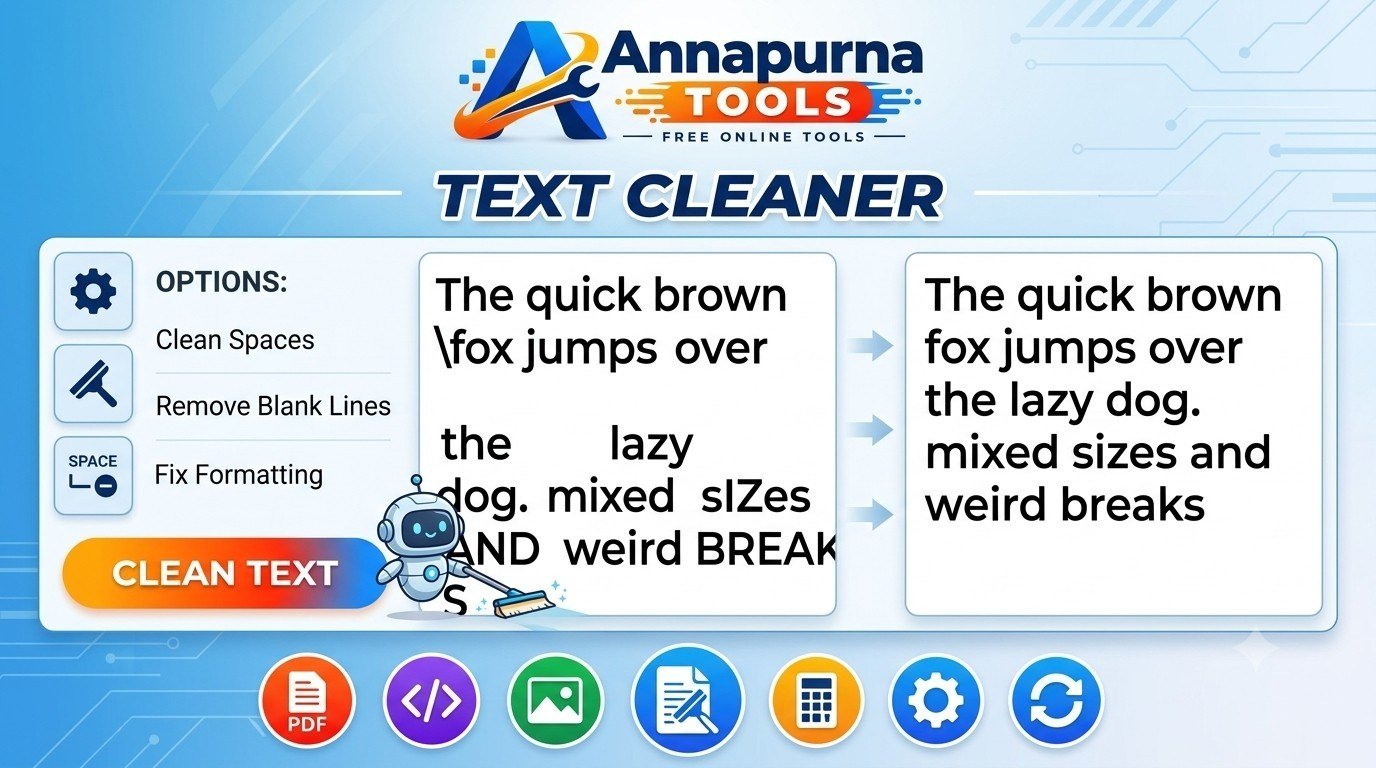
Free online Text Cleaner to remove extra spaces, blank lines, duplicate spaces and unnecessary formatting from text.
Use Tool →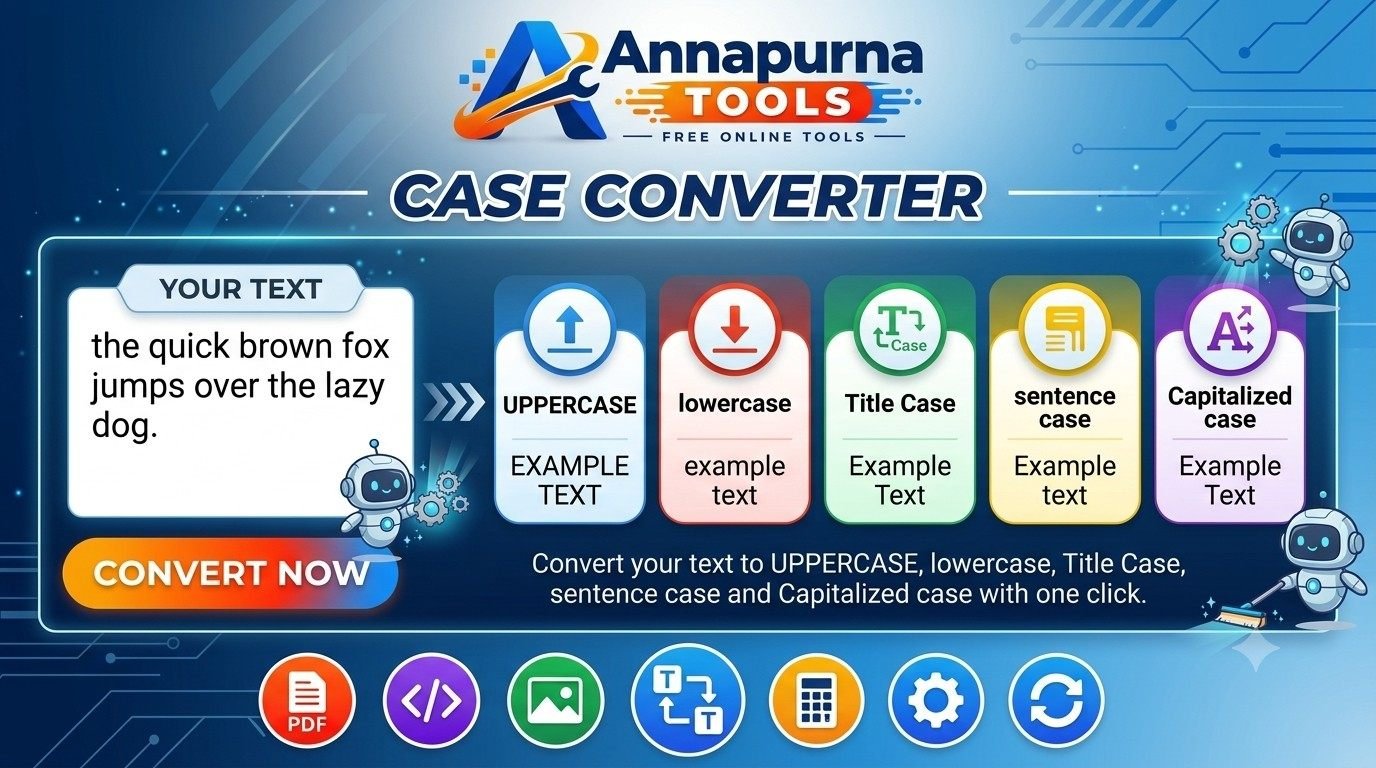
Free online Case Converter to change text to uppercase, lowercase, title case, sentence case and capitalized case.
Use Tool →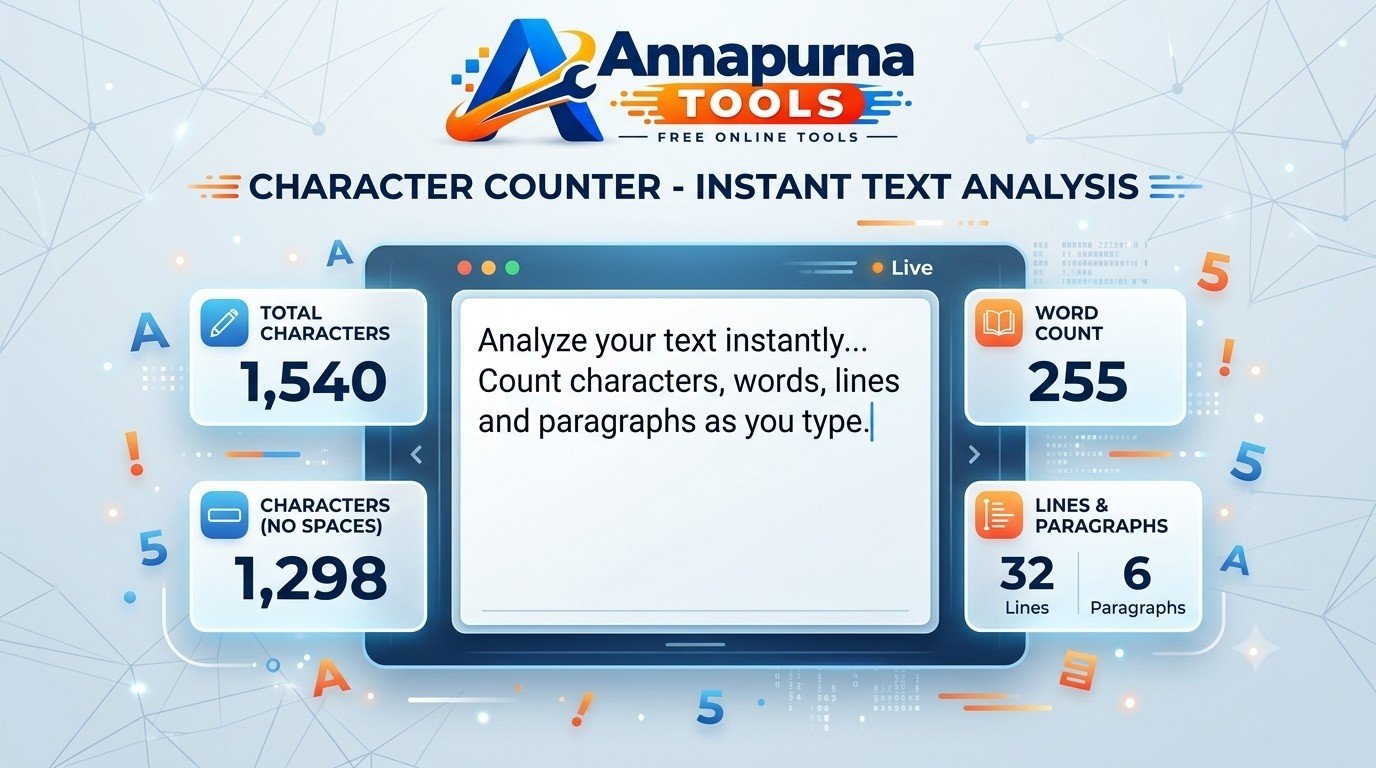
Use this free online Character Counter to count characters with spaces, characters without spaces, words, lines and paragraphs.
Use Tool →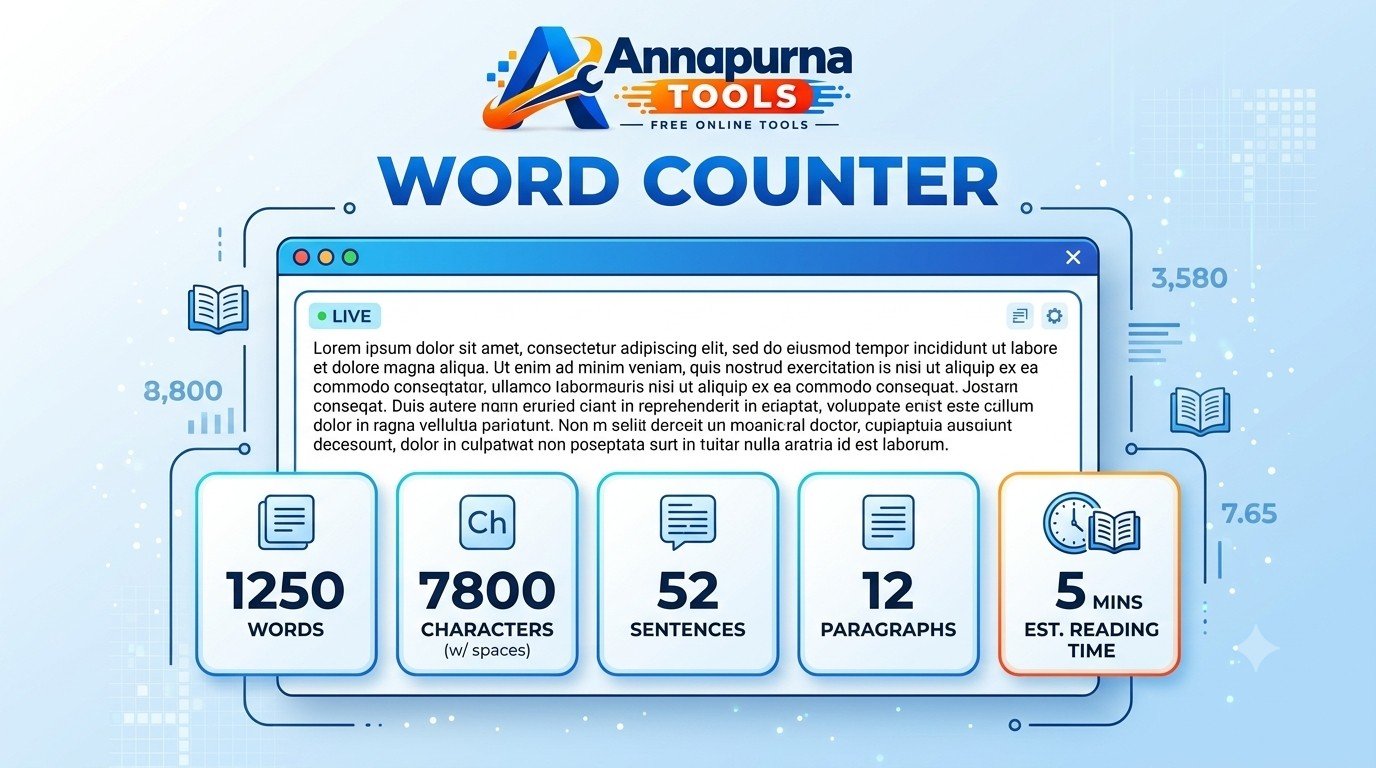
Use this free online Word Counter to count words, characters, sentences and paragraphs. Get reading time instantly with a simple browser-based tool.
Use Tool →Our Text Tools collection includes useful utilities for counting, converting and cleaning text.
These browser-based tools are designed to make common text tasks faster and easier without requiring additional software.
Common questions about Text Tools.
Text Tools are browser-based utilities designed to help with common text processing tasks such as counting, formatting, converting and cleaning text.
These tools can make common text-related tasks faster by allowing users to process text directly in a web browser without installing additional software.
The tools on Annapurna Tools are designed to be available online for general text-processing tasks without requiring separate desktop software.
Yes. The tools are designed to work in modern web browsers on smartphones, tablets and desktop computers.
Choose a tool above to complete your task directly in your browser.